
CapCut
CapCut for Windows is ByteDance's desktop video editor, with a timeline, templates and export presets for short and long videos.
533.8 MB

SplitCam is a free webcam program for Windows that lets several apps use one camera at once and adds effects, layers and live streaming.
Average 0.0 · ratings: 0
Thank you! Your rating is saved; you can change it. Could not save the rating. Please try again later. Too many ratings from your network today. Please try again tomorrow. The average appears after 5 ratings.
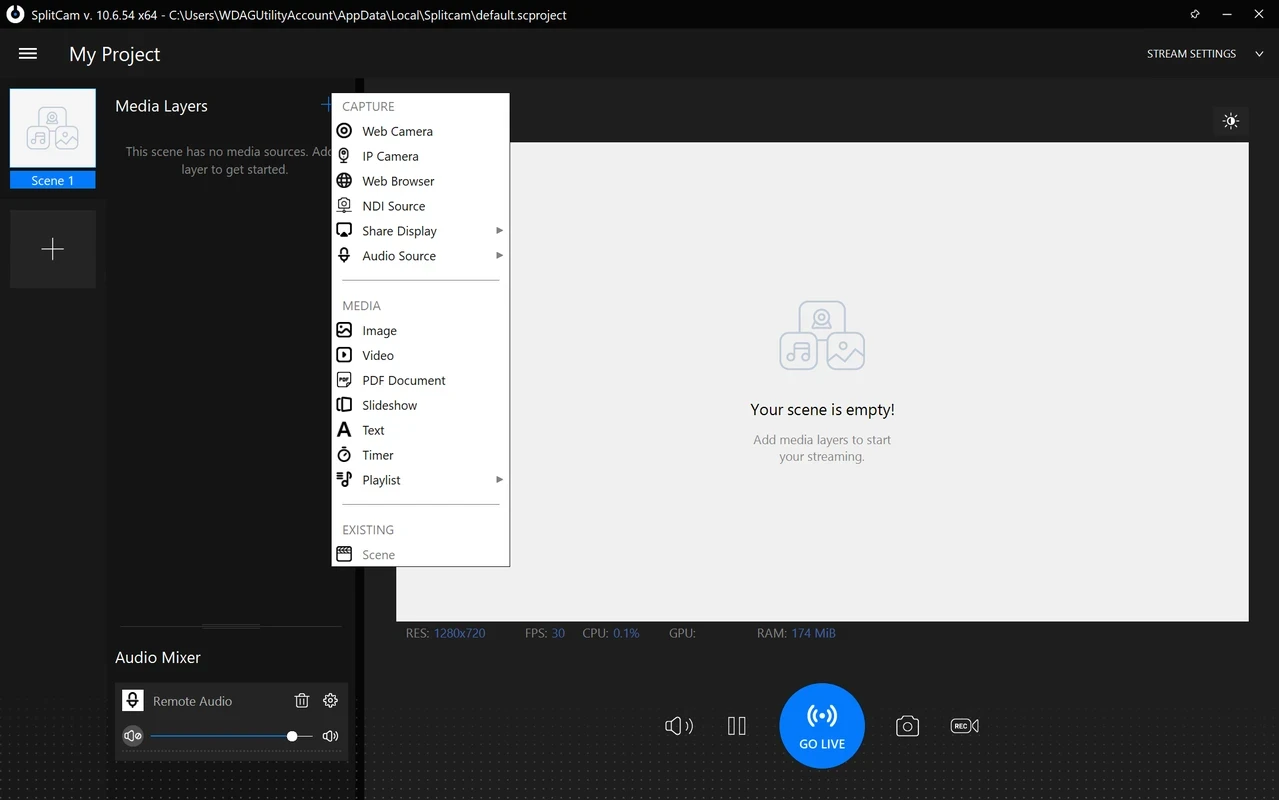
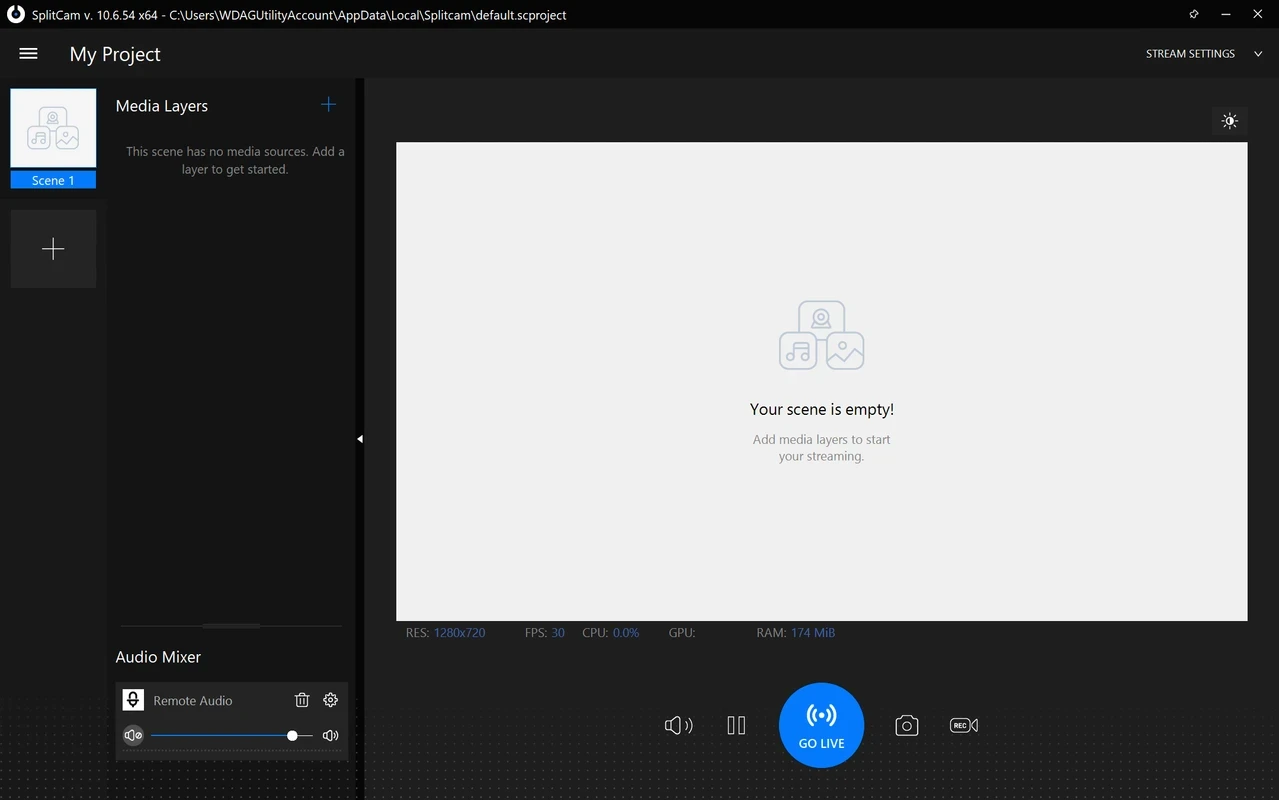
SplitCam 10.9.2 is a free webcam program for Windows from Splitcamsoft. You download SplitCam when you want one camera to work in several apps at the same time, add effects or a virtual background, or stream video without learning a full broadcasting suite.
Normally, a webcam can be opened by only one program at a time: if a video chat is running, another app shows a black screen or an error. SplitCam solves this by creating a virtual camera. The real webcam feeds into SplitCam, and every other application, whether it is a messenger, a meeting tool or a browser, picks up the SplitCam camera instead. On top of that, the program works as a small video mixer. You can combine several sources in one scene, such as the webcam, a screen capture, an image or a video file, place them as layers, and apply effects, filters and background replacement. The same scene can be sent to streaming platforms or recorded to a file. The official download page states that the installer comes with no bundled software.
Professional streamers who need advanced audio routing, plugins and many scenes will find OBS Studio more flexible. Owners of old PCs without a 64-bit system cannot use the current Windows version at all.
| Platform | Requirement |
|---|---|
| Windows | Windows 10 / 11, 64-bit; 4 GB RAM (8 GB recommended) |
| macOS | macOS 13+, Apple Silicon |
| Android | Android 8+, phone and tablet |
The Windows package is large, about 467.51 MB according to catalogue data, because it includes the effects library.
SplitCam is free. Get it from splitcam.com; the changelog there lists what each version fixes. A virtual camera driver has deep access to video, so avoid repackaged installers from unknown sites.
Other video tools on our site include OBS Studio and Streamlabs OBS for streaming, and iVCam, DroidCam and Iriun Webcam for turning a phone into a PC webcam.
CapCut for Windows is ByteDance's desktop video editor, with a timeline, templates and export presets for short and long videos.

VLC media player is a free, open-source video and audio player for Windows from the VideoLAN team. The current release is 3.0.24.

Green Free Video Converter is a small free Windows program for converting video files between common formats for phones, players and editors.

Format Factory is a free Windows multimedia converter from Free Time for changing video, audio and image files between formats.

Streamlabs OBS, now called Streamlabs Desktop, is a free open-source Windows app for live streaming and recording with built-in alerts and overlays.
Free Cam is a free screen recorder for Windows from iSpring Solutions for recording screencasts with voice-over and trimming them before export.

TikTok for Windows is the desktop app of the short-video platform from TikTok Pte. Ltd., available free from the Microsoft Store.

Iriun Webcam is a small free Windows program that turns an Android phone or iPhone into a wireless webcam for video calls and streaming.